Pick an element,
get its selector.
OpenPicker is an element picker for the web — a browser extension plus a tiny SDK. Point at any element on any page and get a stable CSS selector back. Built for product tours, event tagging, no-code automation, and testing.
🧩 Free browser extension — works in Chrome, Edge, and other Chromium browsers.
Everything the picker needs — nothing it doesn't
Stable selectors
Built on a proven selector engine, with filters that skip auto-generated ids and hashed CSS-in-JS / CSS-module class names.
Tunable per site
Per-dimension rules for id / class / attribute / tag, each with an allow and an ignore regex. Set a global default or per-site overrides — and the SDK can pre-set and lock them.
Inspector built in
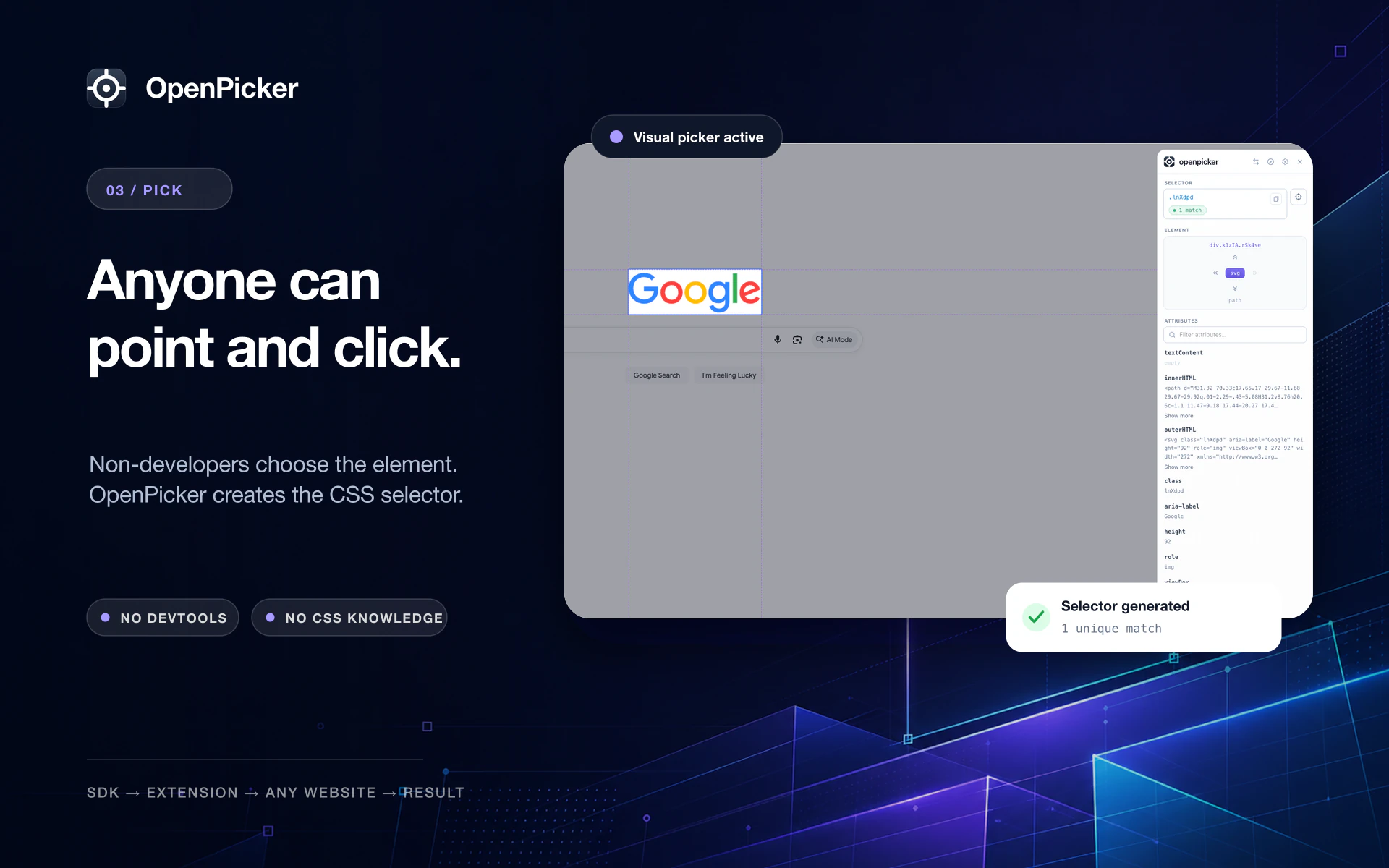
An editable selector with a live match count, a DOM-tree navigator, and the element's attributes — in an overlay that never clashes with the page.
Cross-tab picking
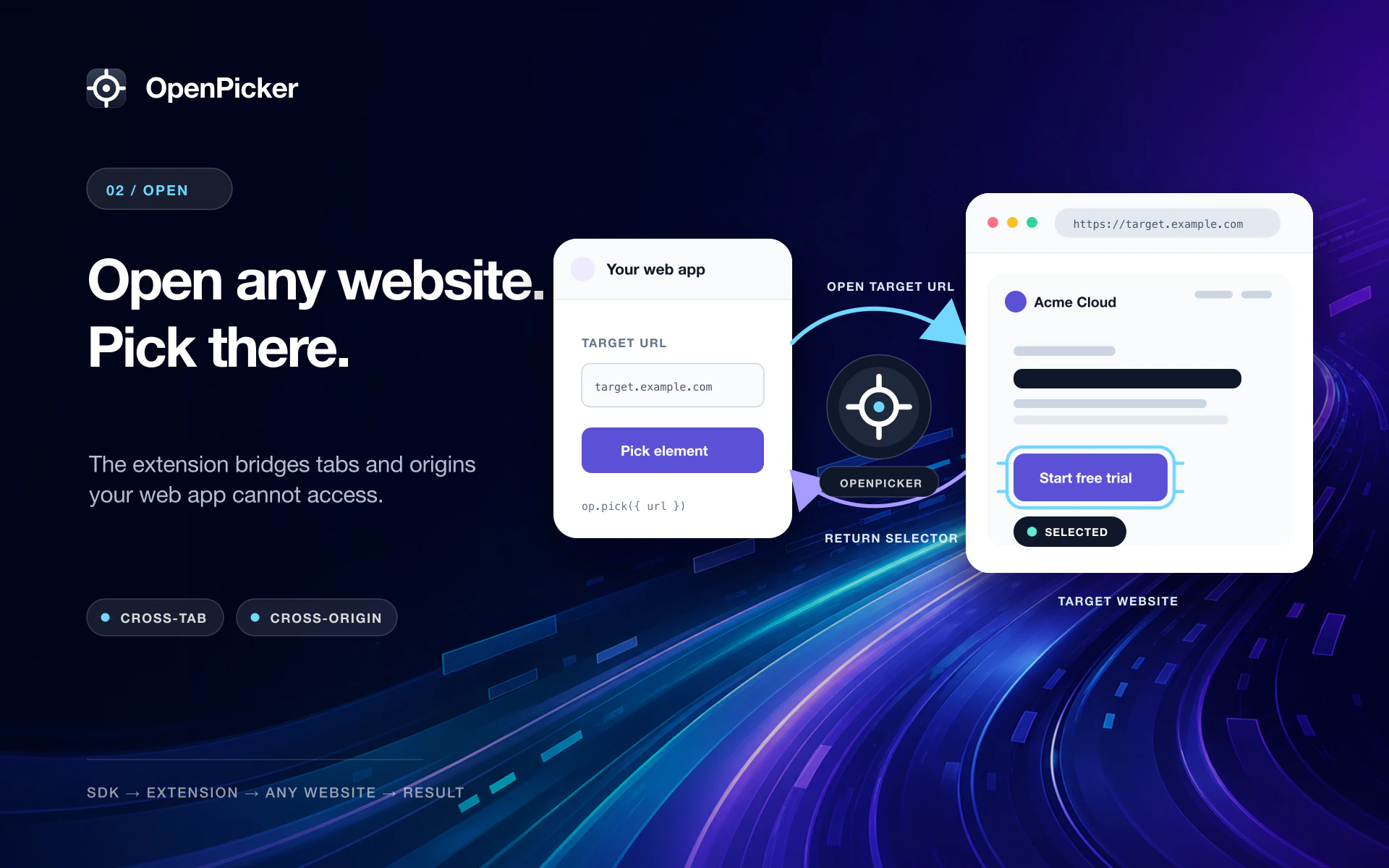
An app can open a URL, let the user pick there, and get the selector routed back — the one thing a page can't do for itself.
Optional screenshots
Capture the selected element or the viewport alongside the selector.
Private by design
No servers, no tracking, no data leaves your browser. You're always in control.
A tiny SDK for your app
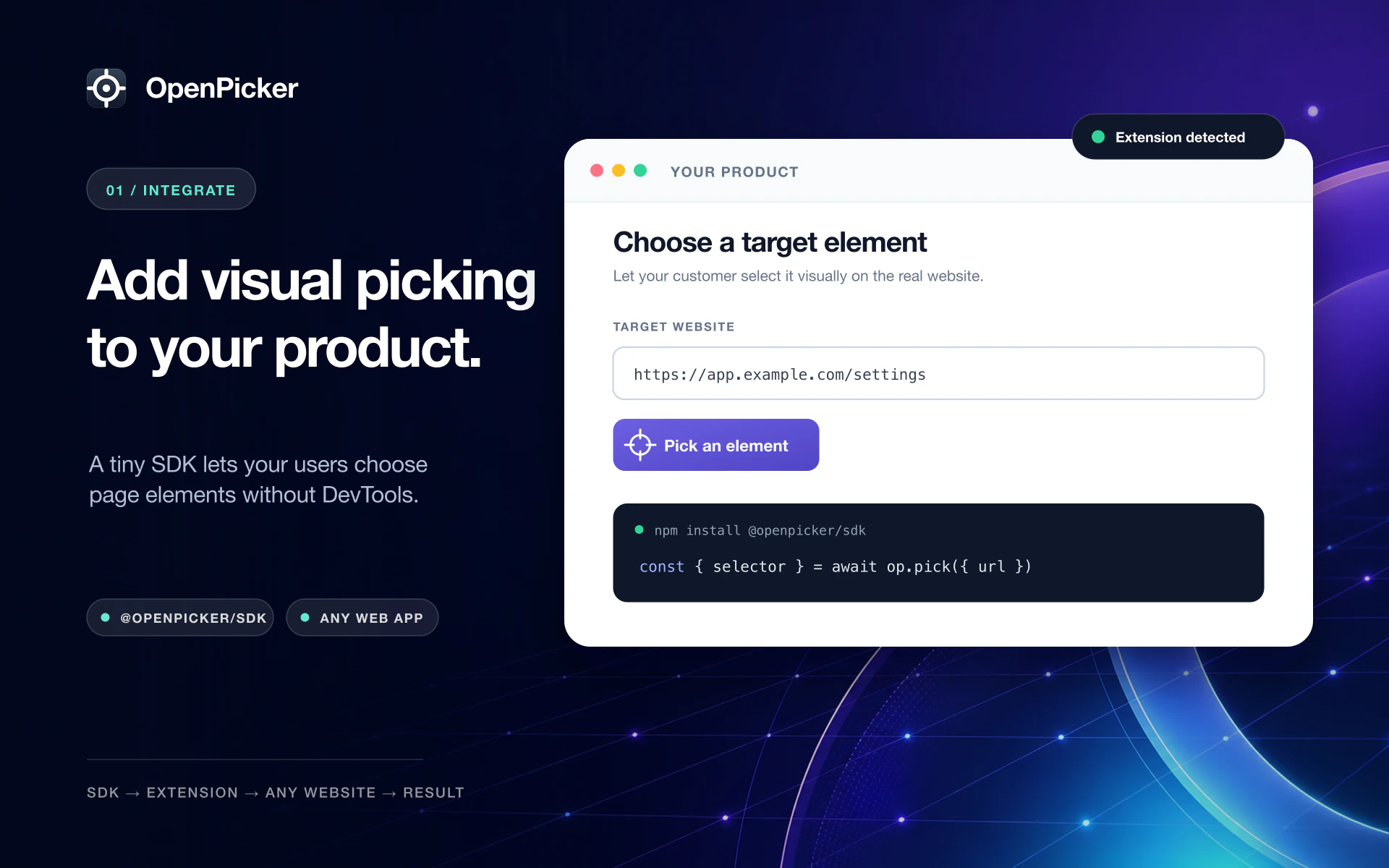
Install @openpicker/sdk, start a
pick, and await the result. The SDK never draws UI — the extension owns the picker overlay
and the cross-tab routing. You can constrain which selectors are allowed, lock the picker
UI, require a unique match, and validate the result with matchesSelectorConfig.
import { createOpenpicker } from "@openpicker/sdk"

const op = createOpenpicker({ appName: "My App" })

// Opens the URL, the user picks there, the selector comes back.
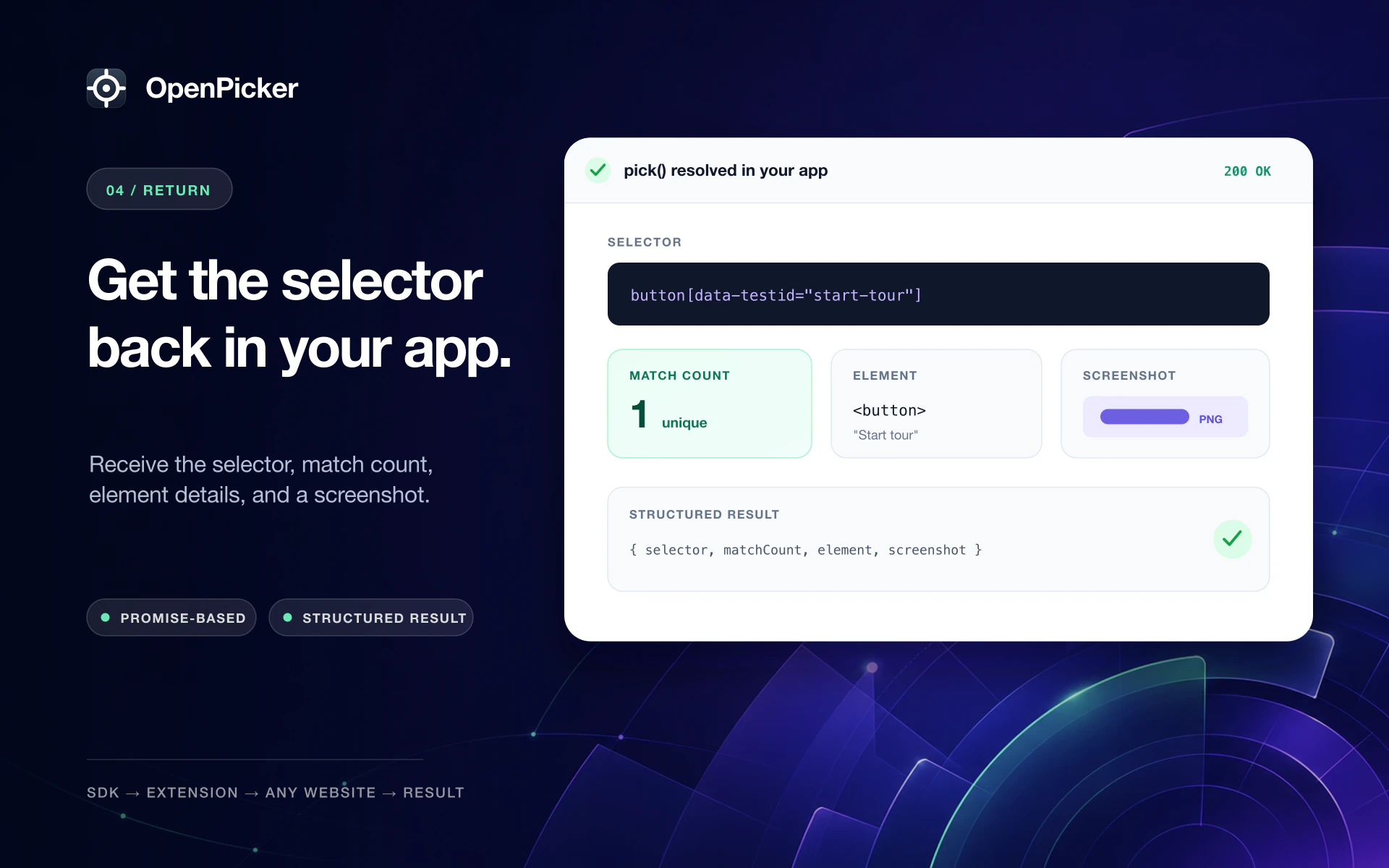
const { selector, matchCount } = await op.pick({
  url: "https://app.example.com",
})
// → "button.cta", 1From your app to a selector — in four steps
Add picking to your product, open any website, let anyone point and click, and get the selector back — no DevTools required.